
1xBet is a recognised international bookmaker active in over 50 countries. In Cameroon, the platform operates under licence No. 000020/A/MINAT/SG/DAP/SDLP/SJ dated 24 February 2023, issued by the Ministry of Territorial Administration. The Cameroon-licensed mobile application gives full access to sports betting, live events, casino games, deposits, withdrawals, match broadcasts and customer support — all from your phone.
The 1xBet app download for Cameroon takes a few minutes — below you’ll find what you need to install it on Android or iOS, set things up safely, and start betting.

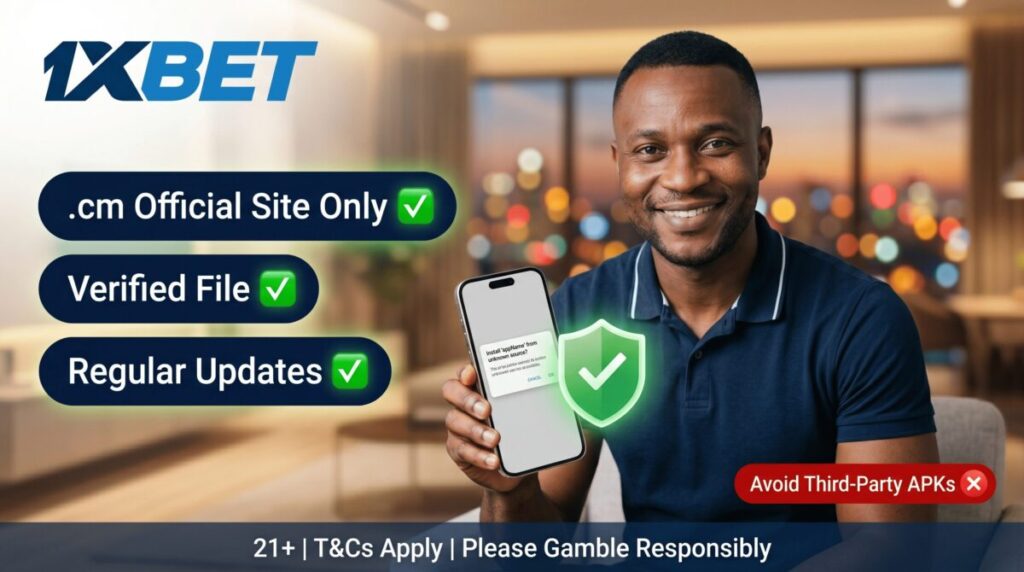
The international version of the 1xBet app does not hold a Cameroonian licence, so funds and accounts on it are not protected by local regulation. For players in Cameroon, only the version available from the .cm domain is legally licensed and supported by local payment systems (MTN Mobile Money, Orange Money). Avoid third-party APK sources that may distribute outdated, modified or malicious files — the only safe download path is the official Cameroon site.
1xBet Mobile App Setup for Cameroonian Users
The app is available as an APK file for Android or through the App Store for iOS. It runs smoothly on mid-range and modern devices, with a layout designed for fast access from your home screen. Installation takes a few minutes and does not require any technical knowledge — the steps below cover Android and iOS separately, since the operating systems handle installations differently.
1xBet Mobile Download Process:
- Open the official 1xBet Cameroon website on your phone. Scroll to the footer or open the menu (top right) — you’ll see the 1xBet app download links for Android and iOS.
- Choose your operating system. The APK file is offered for Android, and an App Store link is shown for iOS.
- On iOS, the link redirects to the official listing in the App Store. There is no APK for iPhone — Apple devices install directly from the store. Tap “Get”, and the installation completes automatically.
- On Android, before opening the file, allow installation from unknown sources in your device settings (you can disable this option after the install). Open the downloaded APK and confirm the installation.
- Launch the installed app. Existing users sign in with their login and password. New users choose a registration method (one-click, by phone, by email, or via social networks) and complete the account setup. Full registration steps for all four methods are on our 1xBet registration page.
- After registration, top up your balance from the cashier and start betting — the full feature set matches the desktop version.
Full installation steps for Android and iOS are on our dedicated 1xBet Android APK and 1xBet iOS pages.
Why use the 1xBet app: app vs mobile website
Both the 1xBet app and the mobile website let you bet, top up, withdraw and follow broadcasts. The differences come down to performance, persistence, notifications, and how often you bet.
| Feature | 1xBet app | Mobile website |
| Installation | One-time download (APK or App Store) | None — opens in browser |
| Storage on device | ~100 MB | None |
| Loading speed | Faster, native rendering | Depends on browser and connection |
| Login persistence | Stays signed in across sessions | Re-authorisation each visit |
| Push notifications | Yes (bets, odds changes, promos) | No |
| Older devices | Needs Android 5+ or iOS 14+ | Works on most browsers |
| Best for | Regular users who want speed and notifications | Occasional bettors or limited storage |
If you bet daily, the app is the better fit. The mobile website remains a solid fallback if your phone is older, storage is tight, or you only place bets occasionally.
Safe APK installation on Android in Cameroon
Since the app is not on Google Play, it has to be downloaded from the official website — third-party APK sites can carry malware that puts your account and funds at risk. The version on the official site is checked and updated regularly.
Quick safety checklist:
- Download only from the official 1xBet Cameroon website.
- Allow installation from unknown sources temporarily, before opening the file.
- Disable that permission again after installation.
- Update the app whenever a new version is released — it covers security patches and feature additions.
Android system requirements
The 1xBet app is light on resources, but the device needs to meet a few minimums for stable operation. The APK installs and runs reliably on devices that match the specs below:
| Requirement | Minimum Specification | Notes |
|---|---|---|
| Operating System | Android 7.0 or higher | Required for compatibility with current app features |
| RAM | 1 GB or more | Prevents lag and crashes during live events |
| Free Storage | 100 MB | Covers the APK file and the installation |
| Internet | Stable 3G/4G or Wi-Fi | Needed for live odds, broadcasts and updates |
| Device | Mainstream smartphones (Samsung, Tecno, Infinix, Xiaomi, OnePlus etc.) | Modern devices accept manual APK installs without security blocks |
iOS system requirements
The iPhone app requires iOS 15.0 or higher and around 260 MB of free storage. It runs smoothly on iPhone 8 and newer models, where live broadcasts load without buffering. The app is developed by 1XCorp N.V., supports French and 50 other languages, and is available in the App Store under the name “1xBet: Sports Betting Cameroon”. Unlike Android, iOS users install directly from the App Store — no manual file handling, no security setting changes.
Topping up and withdrawing funds via the app
The deposit and withdrawal flow inside the app mirrors the website — same methods, same minimums, same processing times. Tap the + icon at the top of the screen to deposit, or open the cashier to withdraw, then choose your method and confirm.
Available methods for Cameroonian users include MTN Mobile Money, Orange Money, TouchPoint, Visa/Mastercard cards and several cryptocurrencies. Mobile money deposits typically arrive in 30 seconds to 2 minutes; withdrawals take 15 minutes to 2 hours depending on the method and queue. Deposit limits, processing times and the 1% INTOUCH tax on MTN and Orange transfers are on our 1xBet deposit page.
Common app issues and how to fix them
Most app problems fall into one of four categories. The fixes below resolve the issue in most cases — try them before contacting support:
| Problem | Most likely cause | Fix |
| App is slow or laggy | Background apps consuming RAM, or storage almost full | Close unused apps, free up at least 200 MB of storage, restart the device |
| App crashes on launch | Corrupted file from an interrupted install or outdated version | Uninstall, then download the latest version from the official Cameroon site and reinstall |
| “Can’t sign in” error | Wrong credentials, or temporary block from too many failed attempts | Reset password via the official website; wait 15 minutes if temporarily locked |
| Live odds not updating | Weak or unstable internet connection | Switch between Wi-Fi and mobile data, or restart the connection |
If none of these match, the live chat inside the app is the fastest support channel.
FAQ
Open your phone settings, find 1xBet in the apps list and enable notification permissions. Make sure you’re on the latest app version first — older versions may not support every notification type. The download should always come from the official 1xBet Cameroon website.
Yes — withdrawals work directly from the cashier inside the app. Cameroonian users can withdraw via MTN Mobile Money, Orange Money, bank cards, TouchPoint or cryptocurrency. Withdrawals take 15 minutes to 2 hours depending on the method. Full details are on our [Withdrawal page]. Always use the version from the .cm domain — the international app is not licensed in Cameroon.
You can contact 1xBet support via a mobile application in several ways: via online chat, email, or by phone number. All methods are available in the Customer Support section even before the 1xBet download. All versions of the app — Android and iOS — support direct communication with the operator.
To update 1xBet on Android, download the 1xBet latest version from the official Cameroon website and run the file — it overwrites the previous installation automatically. On iPhone, updates arrive through the App Store. Regular updates keep the app stable and unlock new features as they ship.
Yes — provided you download it from the official 1xBet Cameroon website (.cm domain). The .cm version is licensed under No. 000020/A/MINAT and uses encrypted connections for all payments. The risk comes from third-party APK sites and the international version of the app: third-party files can carry malware, and the international app isn’t covered by Cameroonian regulation, meaning your funds wouldn’t be protected by local rules.
Google Play does not distribute gambling apps in most countries, in line with its developer policy. This applies to 1xBet globally, not specifically to Cameroon. The official Android version is the APK file from the 1xBet Cameroon website — it’s the same app, distributed through a different channel because of Google’s restrictions, not for any reason related to safety or licensing.